Coreapi is a smart developers tools for simplify building products by simple APIs with a fair price.
API Base URL
https://coreapi.tech/api/v1/
We have no monthly fees, no minimum usage, and no hidden costs. You only pay for what you use as you go.
| Extension | Price |
|---|---|
| GEO-location | $0.1 / 1,000 requests |
| Email validation | $0.25 / 1,000 requests |
| Phone detection | $0.25 / 1,000 requests |
| SMS Authentication | Depends on the country |
First, you need to obtain an API token from the Coreapi service. This token is required for every request made to the API. You can obtain the token from the Dashboard .
GET https://coreapi.tech/api/v1/EXTENSION/ACTION?token=TOKEN
The coreapi GEO-location API returns the location of an IP address (IPv4 or IPv6) and other information associated with the specified IP address.
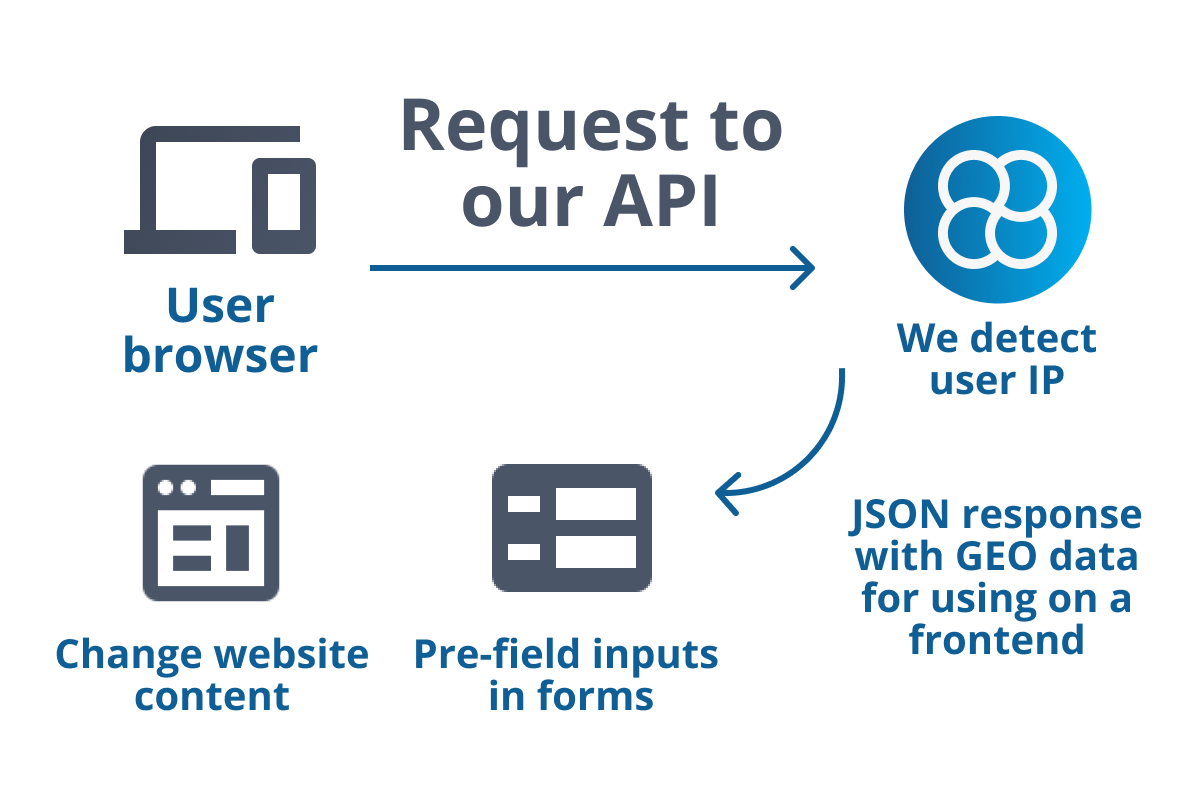
Browser or client side
You can use the API from the browser or from clent side. In this case you will recieve the response from client IP.
Server to server
You can use the API in server to server mode. In this case you need to specify the IP address in the request.
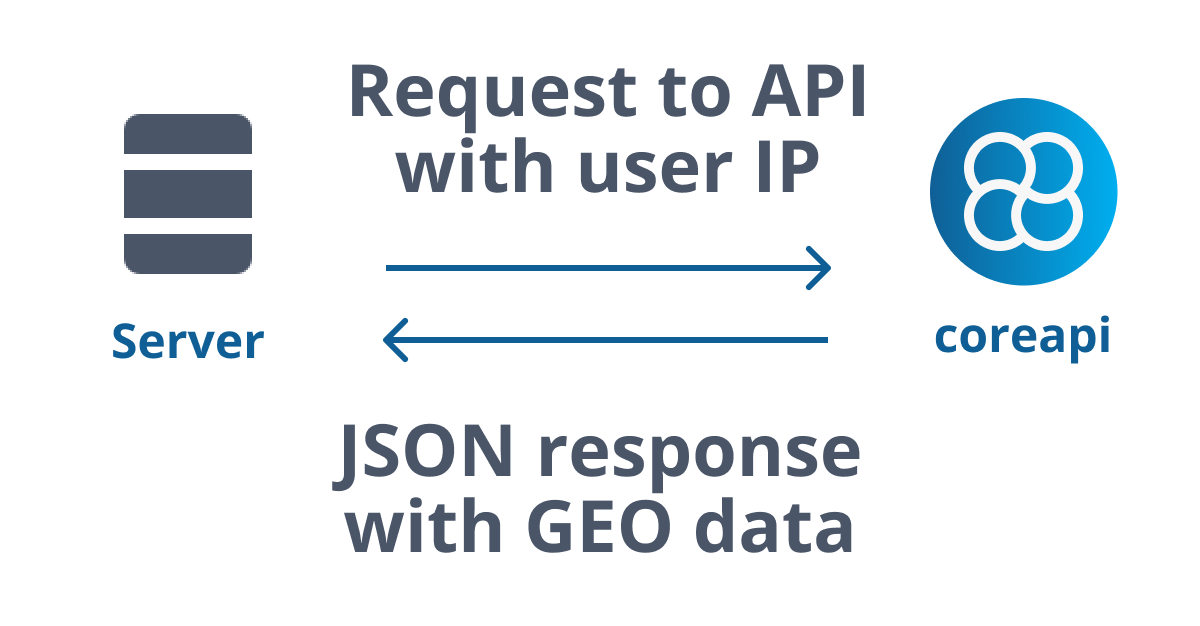
The API is available at the following endpoint:
GET https://coreapi.tech/api/v1/geo/user
The API accepts the following parameters:
| Parameter | Required | Description |
|---|---|---|
| token | Yes | Your API token |
| ip | No | IP address to look up. If not specified, the IP address of the request is used. |
Example request and response
https://coreapi.tech/api/geo/user
    ?token=TOKEN
    &ip=93.72.174.100

{
  "ip": "93.72.174.100",
  "country_code": "UA",
  "country_name": "Ukraine",
  "country_flag": "https://coreapi.tech/media/flags/ua.png",
  "country_emoji": "🇺🇦",
  "country_emoji_code": "U+1F1FA U+1F1E6",
  "region_code": "EU",
  "region_name": "Europe",
  "city": "Kyiv",
  "time_zone": "+2:00",
  "time_zone_name": "Europe/Kiev",
  "calling_code": 380,
  "currency_code": "UAH",
  "currency_name": "Hryvnia",
  "currency_symbol": "₴",
  "zipcode": "04208",
  "latitude": 50.458,
  "longitude": 30.5303
}
The coreapi Email validation API checks and fixes email addresses. It corrects common typos, checks if an email address exists, and returns the full results to you.
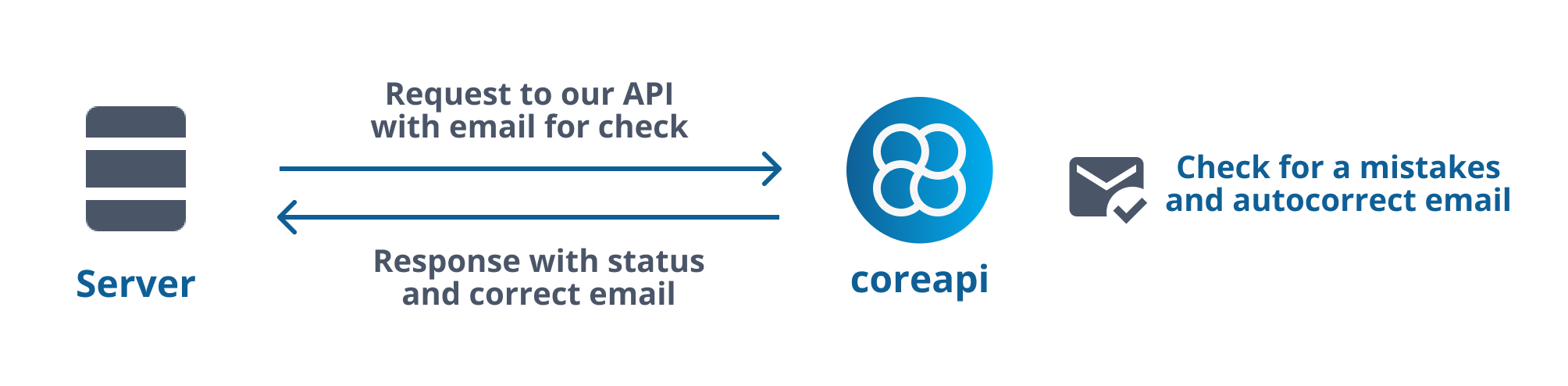
Check and correct emails in a server to server mode
You can use the API in server to server mode. In this case you need to specify the email address in the request.
The API is available at the following endpoint:
GET https://coreapi.tech/api/v1/email/check
The API accepts the following parameters:
| Parameter | Required | Description |
|---|---|---|
| token | Yes | Your API token |
| Yes | Email address to check. |
Example request and response
https://coreapi.tech/api/v1/email/check
    ?token=TOKEN
    &email=emailgmail.co

{
    "email_before" : "emailgmail.co" string
    "email_after" : "[email protected]" string
    "status" : "bad" string
}
The status field can have the following values:
| Value | Description |
|---|---|
| ok | The email address is valid. |
| bad | The email address is invalid and fixed value is in email_after field. |
| not_found | The email address is invalid and not found. |
The coreapi Phone validation API returns the information about phone number.
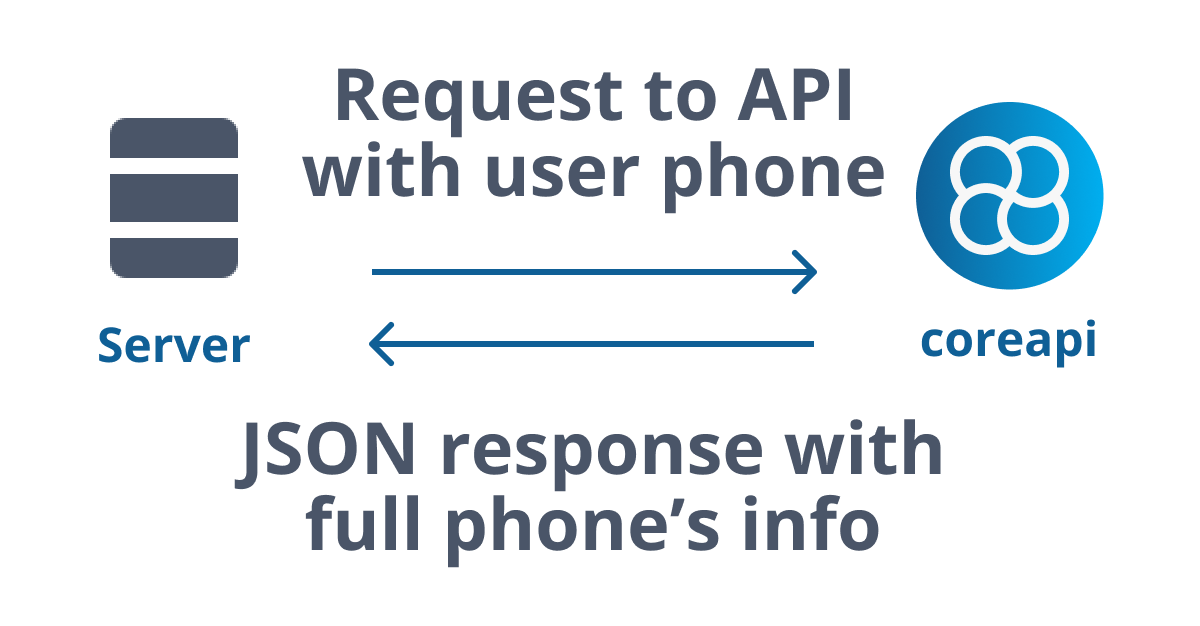
Get phone information in a server to server mode
You can use the API in server to server mode. In this case you need to specify the phone number in the request.
The API is available at the following endpoint:
GET https://coreapi.tech/api/v1/phone/check
The API accepts the following parameters:
| Parameter | Required | Description |
|---|---|---|
| token | Yes | Your API token |
| phone | Yes | Phone number to check. |
Example request and response
https://coreapi.tech/api/v1/phone/check
    ?token=TOKEN
    &phone=380631234567

{
    "status" : "ok" string
    "phone" : "380631234567" string
    "phone_int" : "+380631234567" string
    "phone_local" : "380631234567" string
    "country_code" : "UA" string
    "country_name" : "Ukraine" string
}
The coreapi SMS Authentication gives you the ability to verify phone numbers and send one-time passcodes (OTP) via SMS.

Send SMS with one-time passcode (OTP)
You can use the API in server to server mode. In this case you need to specify the phone number, OTP code and language in the request.
The API is available at the following endpoint:
GET https://coreapi.tech/api/v1/sms/auth
The API accepts the following parameters:
| Parameter | Required | Description |
|---|---|---|
| token | Yes | Your API token |
| code | Yes | Code for authentication. Max 6 symbols. |
| phone | Yes | Phone number to check. |
| language | Yes | Language for message (en, ru, ua) |
Example request and response
https://coreapi.tech/api/v1/sms/auth
    ?token=TOKEN
    &code=1234
    &phone=380631234567
    &language=en

{
    "status" : "ok" string,
    "message" : "Message sent" string
}

© Copyright 2026